Egnyte Shared and Private Channel Support for Microsoft Teams
As hybrid work becomes the standard, organizations need collaboration tools that simplify file access while maintaining governance and control over business-critical content. To better meet those needs, Egnyte expanded its Microsoft Teams integration to help your teams work more efficiently.
Egnyte Microsoft Teams integration now supports both Shared and Private Channels, making it even easier for organizations to securely access, manage, and collaborate on Egnyte-stored content directly within the Teams experience.
Secure Collaboration Across Shared Channels
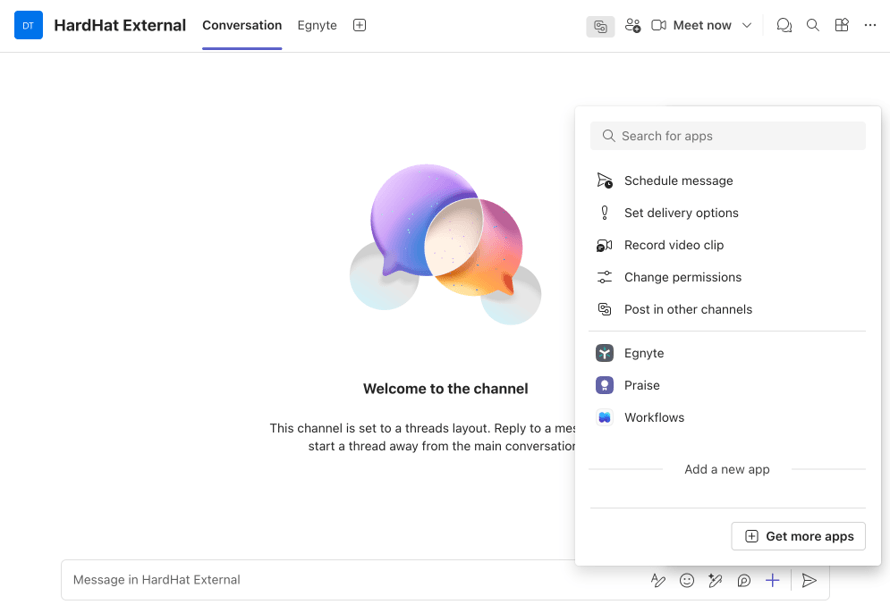
Admins can now enable the Egnyte tab within Shared Channels, giving users centralized access to files and folders stored in Egnyte. Teams members and external stakeholders can browse content, collaborate on documents, and securely manage files directly from the Teams interface.
Users can also take advantage of the Egnyte messaging extension to quickly share Egnyte content within Teams conversations, helping streamline communication and improve collaboration across internal and external stakeholders.
Simplified Access for Private Channels
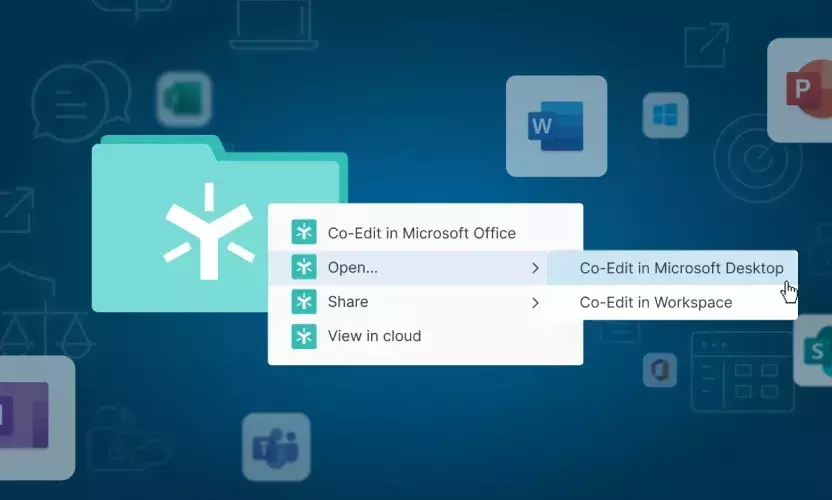
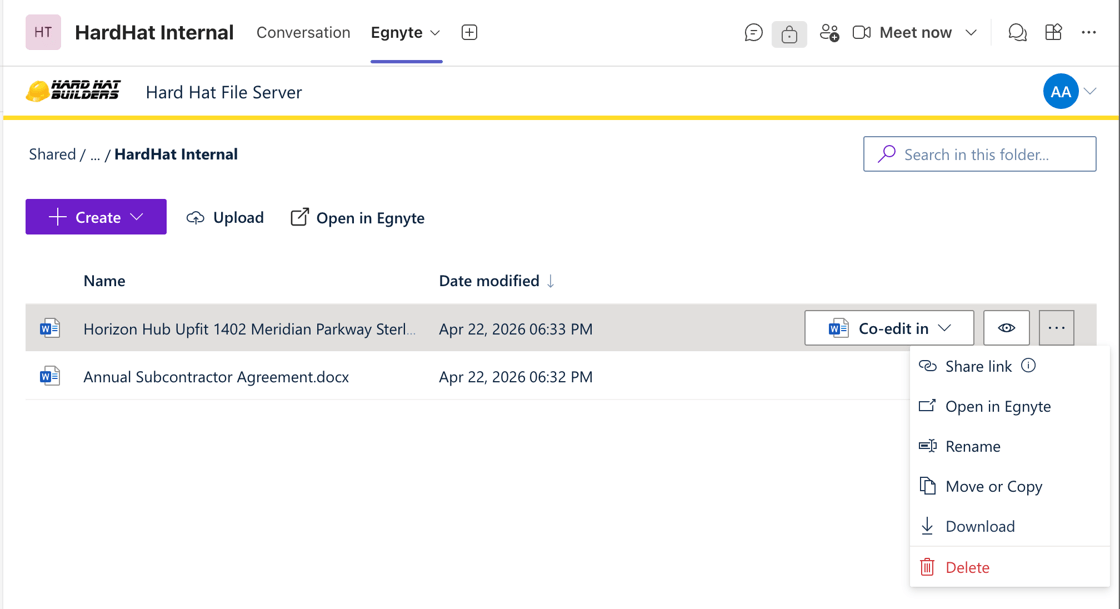
For Teams environments with an active Egnyte integration, the Egnyte tab is now automatically added to all Private Channels. This allows users to seamlessly access their mapped Egnyte folders without requiring additional setup. From within Teams, users can browse files, co-edit documents, and manage content while maintaining the security, governance, and permissions already enforced within Egnyte.
Supporting the Future of Work
Microsoft Teams has become a central hub for collaboration across organizations, and Egnyte remains committed to helping customers securely manage their content wherever work happens.
These latest integration updates continue Egnyte’s broader partnership with Microsoft, focused on delivering secure collaboration, stronger governance, and better user experiences across the modern workplace.